
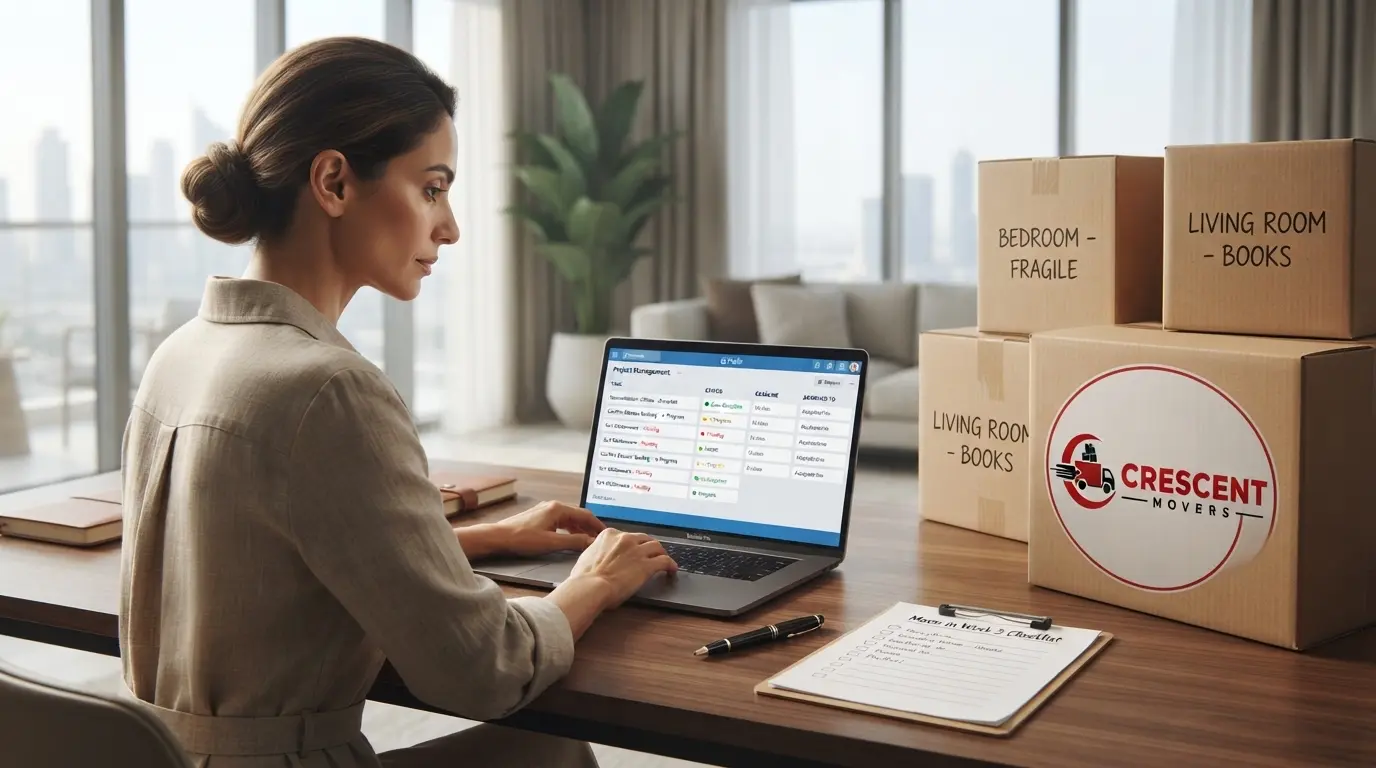
How to Create a Moving Task Tracker for Your Move
Preparing to move to a new home often involves dozens of small responsibilities. You may need to confirm arrangements, organize documents, coordinate family members, prepare belongings and complete important tasks before a particular date. When these responsibilities are spread across phone notes, messages, emails and memory, it becomes difficult to know what has been completed and what still needs attention.
A moving task tracker gives you one central place to organize these responsibilities. Instead of repeatedly checking different notes or asking family members for updates, you can record each task, assign responsibility, set a deadline and monitor its progress.
The most useful system does not need to be complicated. A spreadsheet, digital task list or simple notebook can work well if it contains clear information and is updated consistently.
This guide explains how to create a practical moving task tracker, organize responsibilities, manage deadlines and keep your moving preparations under control.
What Is a Moving Task Tracker?
A moving task tracker is a record of the individual actions that need to be completed before, during or after a relocation.
Unlike a general list of things to remember, a task tracker also records who is responsible for each action, when it should be completed and whether it is still pending.
For example, a note saying "prepare documents" identifies something that needs attention. A tracked task provides more useful information:
- Task: Organize property documents.
- Assigned to: One designated household member.
- Deadline: An agreed date before moving day.
- Status: In progress.
- Next action: Collect the remaining paperwork.
This structure makes responsibilities clearer and helps prevent important tasks from being overlooked.
Your tracker can cover the entire moving process, but it should not become a detailed inventory of every household belonging. Keep individual item records in a separate moving inventory if you need to track boxes, furniture or valuable possessions.
1. Choose One Place to Manage Your Moving Tasks
The first step is choosing where your tracker will live.
Using several unrelated lists can create confusion because updates may appear in one place but not another. Select one main system and make sure everyone involved knows where to find it.
Option 1: A spreadsheet
A spreadsheet is useful when you have many responsibilities, multiple people helping or deadlines that need regular review.
You can create columns for the task, responsible person, deadline, priority, status and next action. Sorting these columns helps you identify overdue work or tasks that need attention soon.
A spreadsheet also makes it easier to keep the same information available to different household members.
Option 2: A digital task-management app
A task-management application can be useful if you prefer reminders, notifications and shared tasks.
Depending on the application, you may be able to assign tasks, attach documents, add comments and receive deadline reminders.
Choose a tool that everyone involved can access comfortably. An unfamiliar system that requires constant maintenance may be less useful than a simple shared list.
Option 3: A notebook or paper planner
A notebook can work well for a smaller move or for someone who prefers writing tasks by hand.
Use separate sections for upcoming tasks, completed work and outstanding responsibilities. Review the pages regularly and transfer any changing deadlines to the correct section.
The best tool is the one you will actually maintain. Avoid switching between several systems unless there is a clear reason to do so.
2. Break Large Responsibilities into Smaller Tasks
A broad responsibility can feel difficult to manage when you do not know where to begin.
For example, "prepare the new home" could involve several separate actions. Recording the entire responsibility as one task makes it difficult to measure progress.
Break it into specific actions that can be completed and checked individually.
Instead of writing:
Prepare the new home
Create separate tasks such as:
- Confirm the arrangements for accessing the property.
- Check which furniture will fit in the intended rooms.
- Identify any essential items needed immediately after arrival.
- Confirm relevant building or parking arrangements.
- Decide where major furniture should be placed.
Only include actions that genuinely apply to your move.
Use clear descriptions that begin with an action, such as "confirm", "collect", "measure", "send" or "review". These descriptions make it easier to understand exactly what needs to happen.
A task should be specific enough that you can tell when it is complete without needing another explanation.
3. Assign One Person to Each Task
When several people are helping with a move, responsibility can become unclear.
One person may assume that another family member has confirmed an arrangement, while the other person believes it is still being handled. Both may intend to complete the task, but neither actually does it.
Your tracker should identify one person responsible for moving each task forward.
| Task | Responsible person | Status |
|---|---|---|
| Collect required documents | Person A | In progress |
| Confirm property access | Person B | Pending |
| Prepare personal essentials | Person C | Not started |
| Review outstanding tasks | Person A | Pending |
These are illustrative examples. Assign responsibilities according to your household's actual arrangements.
Other people can help with a task, but one person should remain responsible for checking its progress and confirming completion.
For shared responsibilities, record who needs to contribute and who will make the final confirmation.
This approach is particularly useful when household members have different work schedules or cannot be available at the same time.
4. Set Realistic Deadlines for Each Task
A task tracker becomes much more useful when it records when each action should be completed.
Without deadlines, less urgent responsibilities can remain unfinished until they become immediate problems.
Start with your confirmed moving date, then work backwards to establish reasonable completion dates.
Consider three things when setting a deadline:
The importance of the task. Some responsibilities must be completed before others can proceed.
The time required. A task that depends on another person, a service provider or a property manager may need additional time.
The consequences of delay. Prioritize tasks that could affect access, coordination or the ability to complete another important responsibility.
Avoid assigning every task the same deadline. Doing so removes the distinction between something that must be completed early and something that can wait.
If a task depends on an external confirmation, record the date when you need to follow up as well as the expected completion date.
For example, instead of leaving "confirm access" on your list indefinitely, record when the request was made, when a response is expected and when you should follow up if no response arrives.
5. Use Simple Priority Levels
Not every task requires immediate attention. A useful tracker distinguishes between important responsibilities and those that can be completed later.
You can use three straightforward priority levels.
High priority
These tasks have an important deadline or could affect another part of the move if delayed.
Examples may include confirming essential access arrangements, collecting documents needed for a specific appointment or resolving an outstanding issue that could prevent a planned activity.
Medium priority
These tasks should be completed within the planned preparation period but are not necessarily urgent today.
Examples may include reviewing room arrangements, organizing non-essential paperwork or preparing a list of items that need special attention.
Low priority
These tasks can usually wait until higher-priority responsibilities are under control.
Examples might include planning decorative details for the new home or organizing non-essential items that do not affect moving-day preparations.
Priority depends on your circumstances. A task that is unimportant for one household may be essential for another.
Review priorities when arrangements change rather than leaving the original ranking unchanged throughout the move.
6. Track Progress with Consistent Status Labels
A task's status should tell you what is happening without requiring a long explanation.
Choose a small set of labels and use them consistently.
| Status | Meaning |
|---|---|
| Not started | Work has not begun. |
| In progress | Someone is actively working on it. |
| Waiting | Progress depends on a response or another action. |
| Completed | The task has been finished and checked. |
| Blocked | A problem is preventing progress. |
You may not need every status for a small move. Three labels—Not started, In progress and Completed—can be sufficient.
The important point is to update the status when something changes.
If a task is waiting for a response, record what you are waiting for and when you will follow up. If it is blocked, add a short explanation and identify the next action required.
Do not mark a task completed simply because someone has started it. Completion should mean that the intended outcome has been achieved.
For tasks requiring confirmation, keep a relevant email, message, receipt or other record where appropriate.